gobo-vscode
Class and Feature Search
The Eiffel VS Code extension integrates with VS Code’s symbol search to let you quickly navigate classes and features in your project.
Searching for a Class
To search for a class:
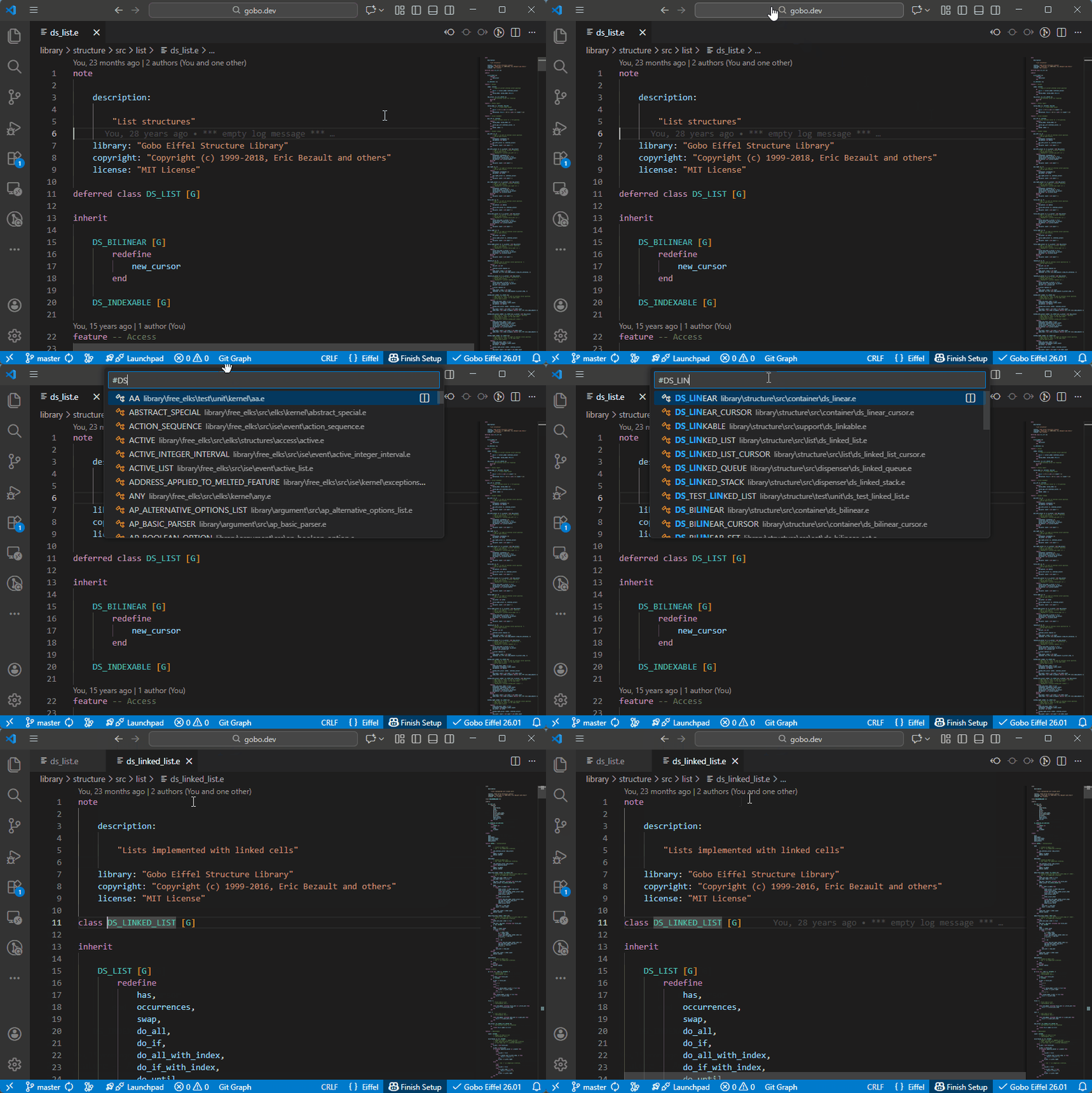
- Press
Ctrl+T, or - Click in the Search Bar at the top of the VS Code window and type
#
This displays a list of all classes available in the current Eiffel project. As you continue typing, the list is automatically filtered until you find the class you are looking for.
Searching for a Feature in a Given Class
To search for a feature of a specific class:
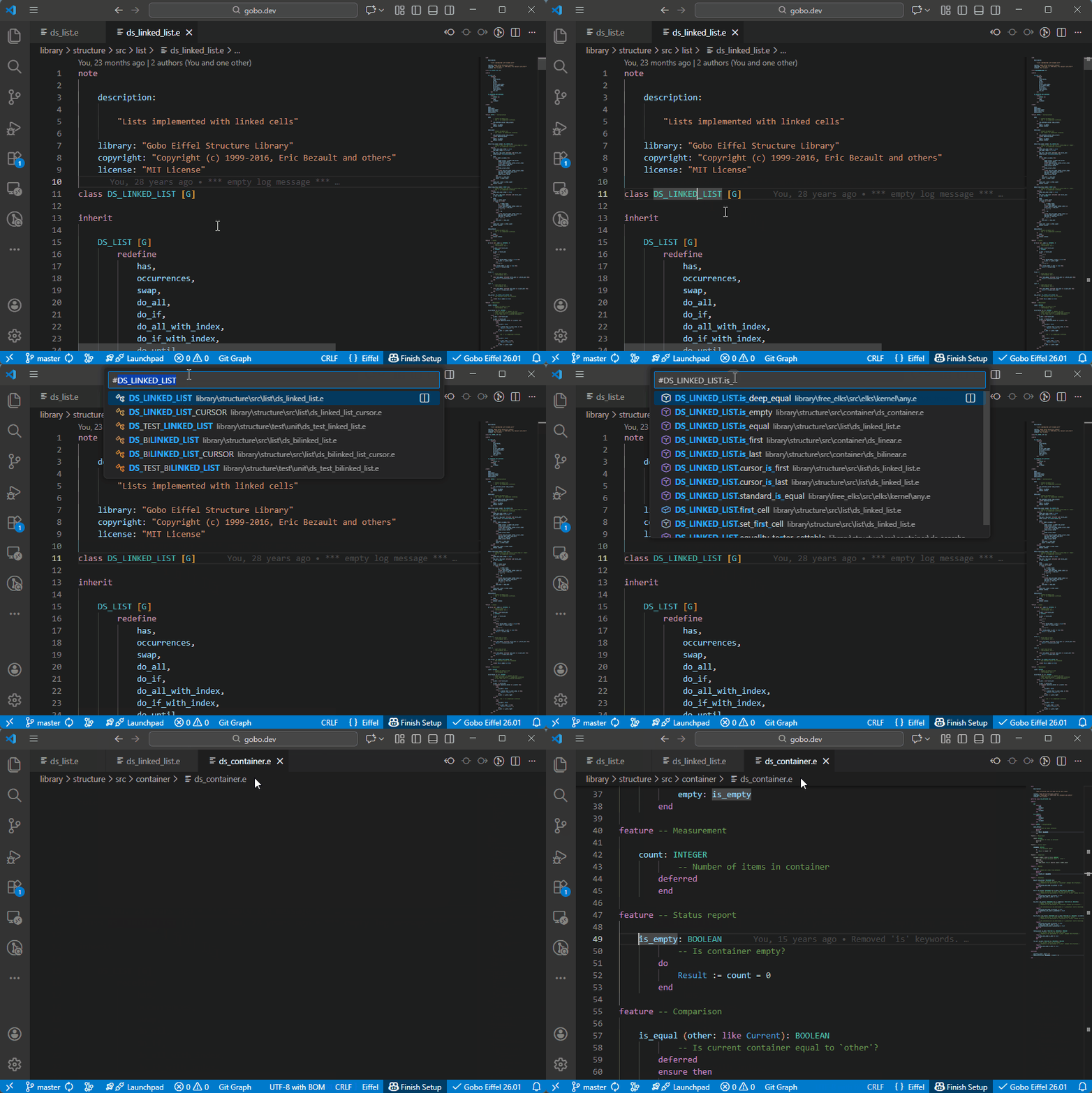
- In the Search Bar, type the class name preceded by
#, or - Place the cursor on the class name in the Editor and press
Ctrl+T
Then type . after the class name.
This displays the list of all features of the class (both declared and inherited).
As you type, the list is filtered to match your input.
The tooltip indicates filename of the class in which each feature is declared.
Searching for a Feature in the Current Class
To search for a feature declared in the current class:
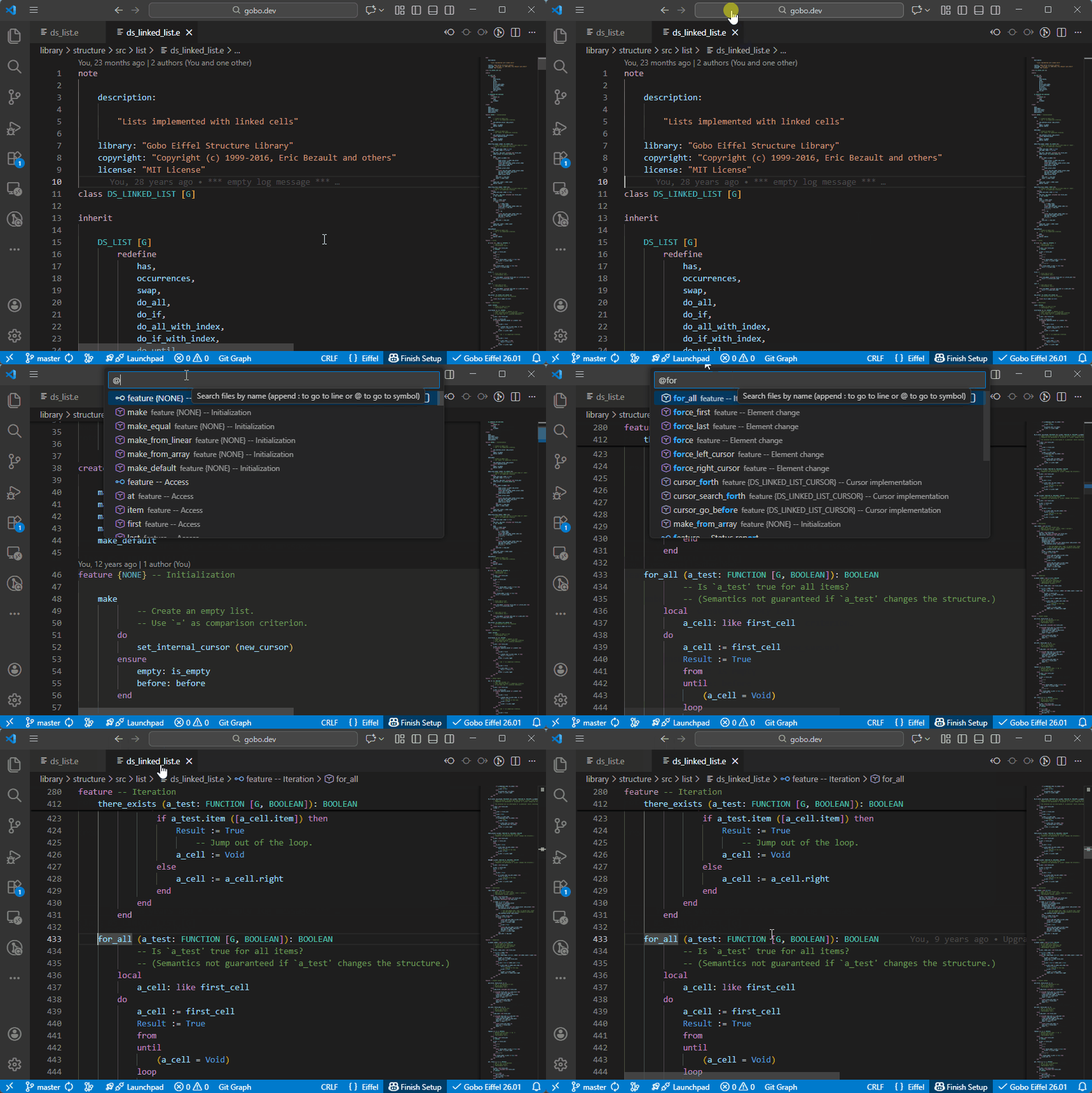
- Press
Ctrl+Shift+O, or - Type
@in the Search Bar
This displays all features declared in the current class.
You can continue typing to filter the list until you find the desired feature.
Feature Navigation via the Outline Panel
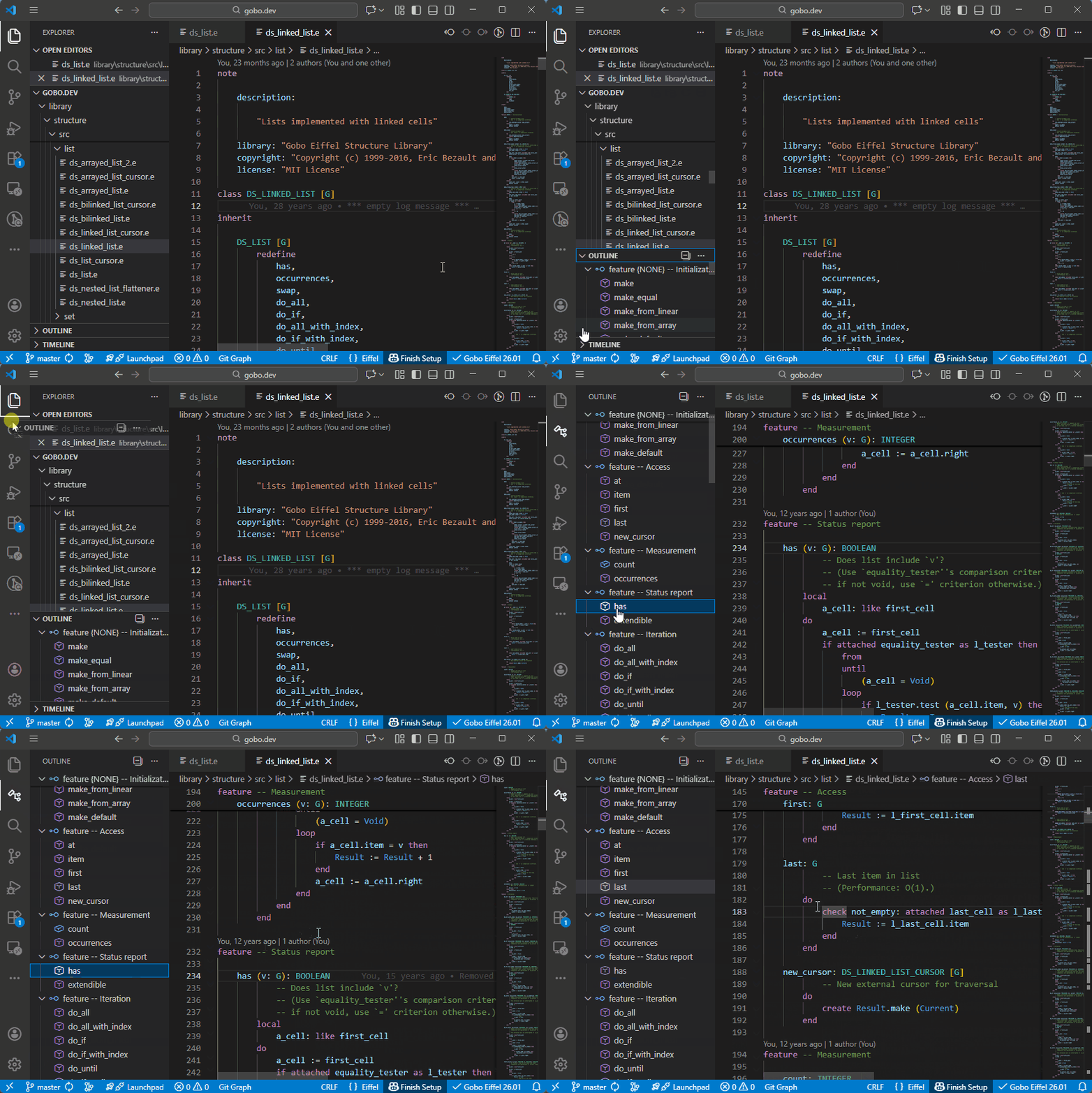
The list of features declared in the current class is also available in the Outline panel, which provides a structured view of the class and allows quick navigation.