gobo-vscode
Create ECF File
When compiling a simple Eiffel system like a Hello World program, there is no real need for an ECF file. But when the Eiffel system becomes more complex, an ECF file is necessary to describe it. Use the command Create ECF File to generate your first ECF file.
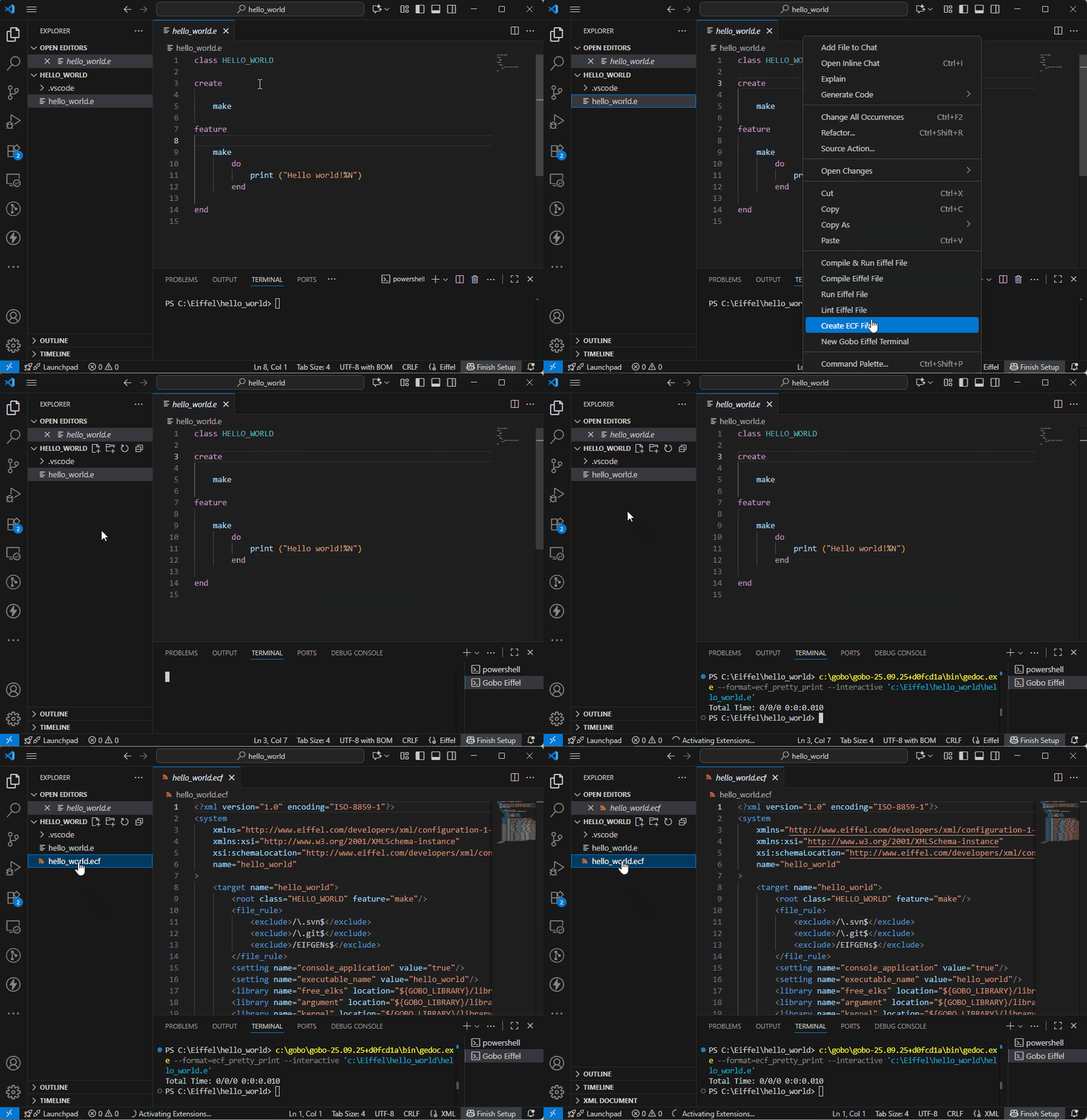
You can then edit this ECF file and customize it. Learn more about ECF files in the Gobo Eiffel documentation.
This command is available in the Command Palette. Open the Command Palette
with Ctrl+Shift+P (or Cmd+Shift+P on MacOS) and type Gobo Eiffel to see
available commands for this extension.
The same command is also available from the right-click contextual menus for
Eiffel files (.e) in both the Editor and Explorer panels.