gobo-vscode
Go to Definition
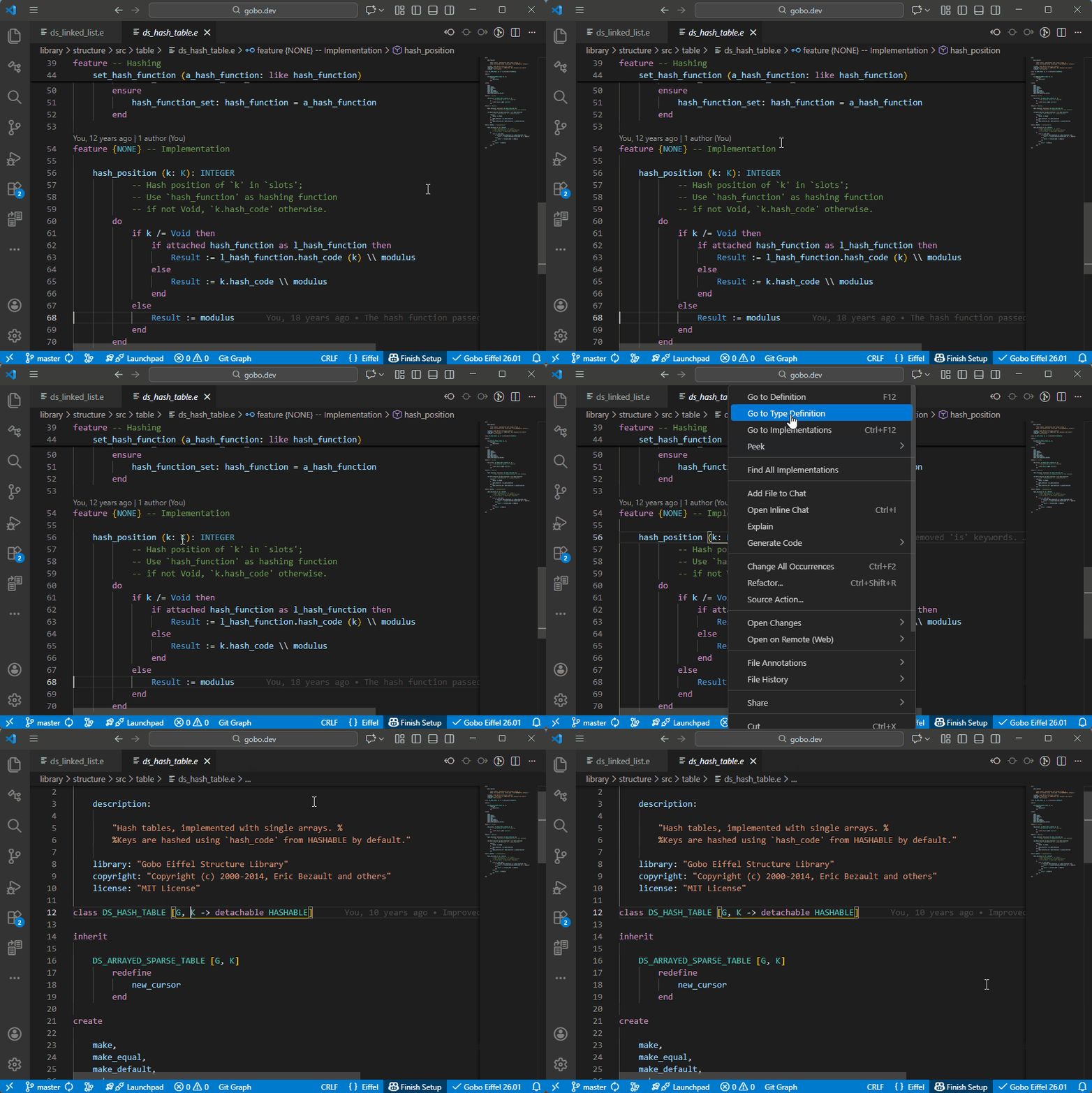
The Eiffel VS Code extension supports Go to Definition for all Eiffel symbols, allowing you to quickly navigate to their declarations.
Features
Place the cursor on a feature name, then:
- Right-click and select Go to Definition, or
- Press
F12
The Editor will open the class where the feature is defined and position the cursor at its declaration.
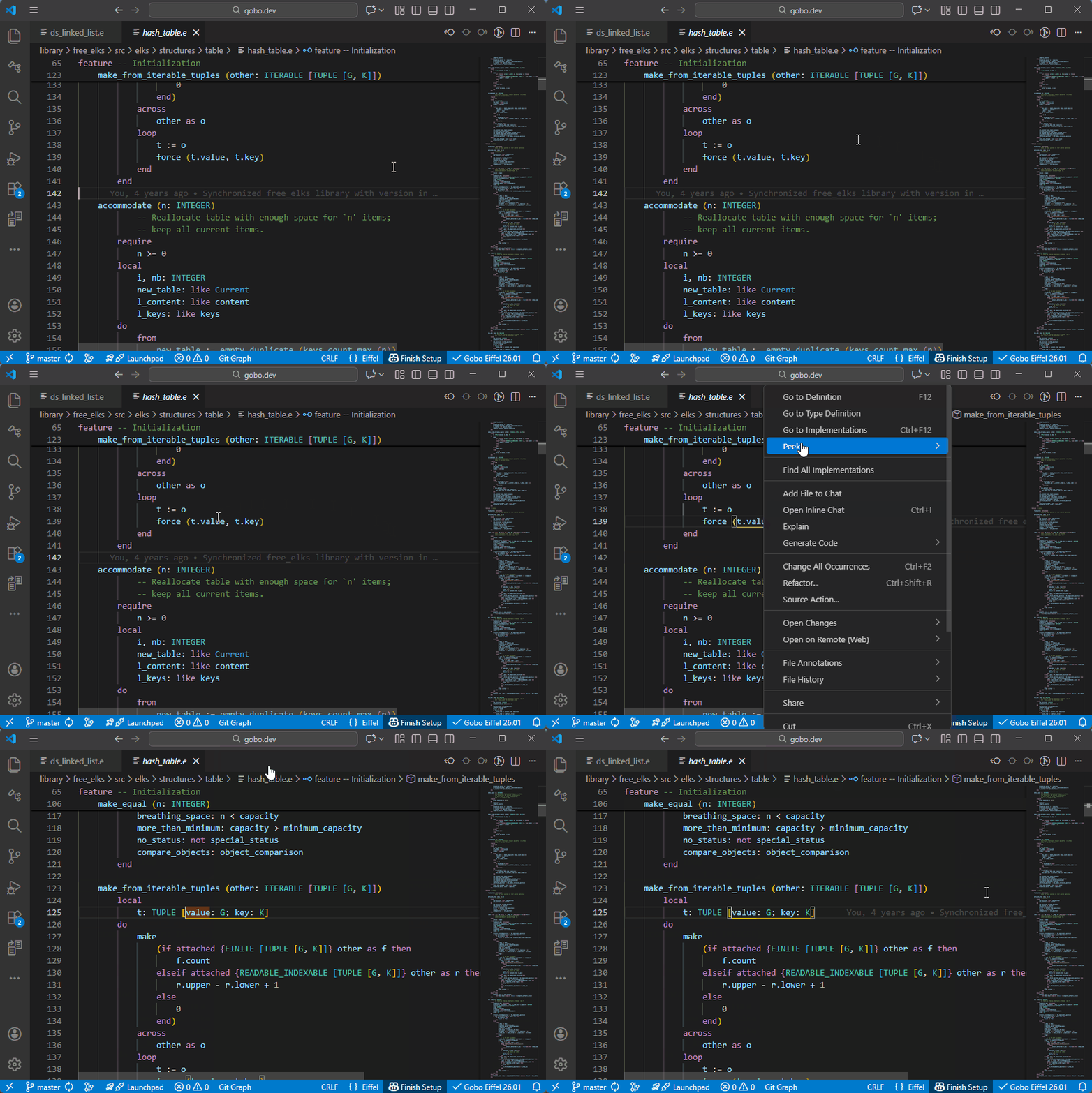
Peek Definition
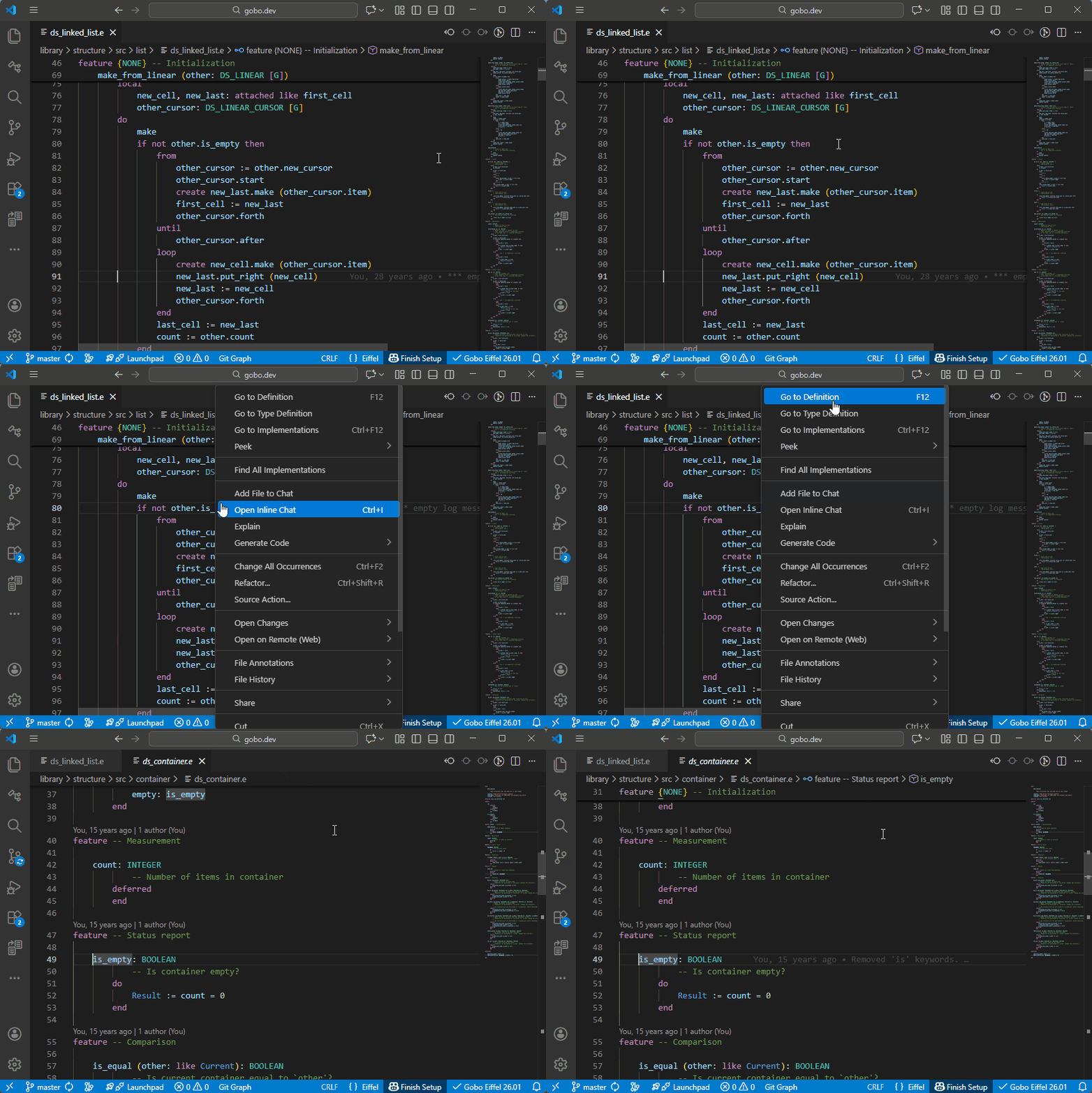
Instead of navigating away from the current file, you can use Peek Definition:
- Right-click and select Peek Definition, or
- Press
Alt+F12
The definition is shown in an inline popup, allowing you to inspect the code without leaving the current context.
Other Eiffel Symbols
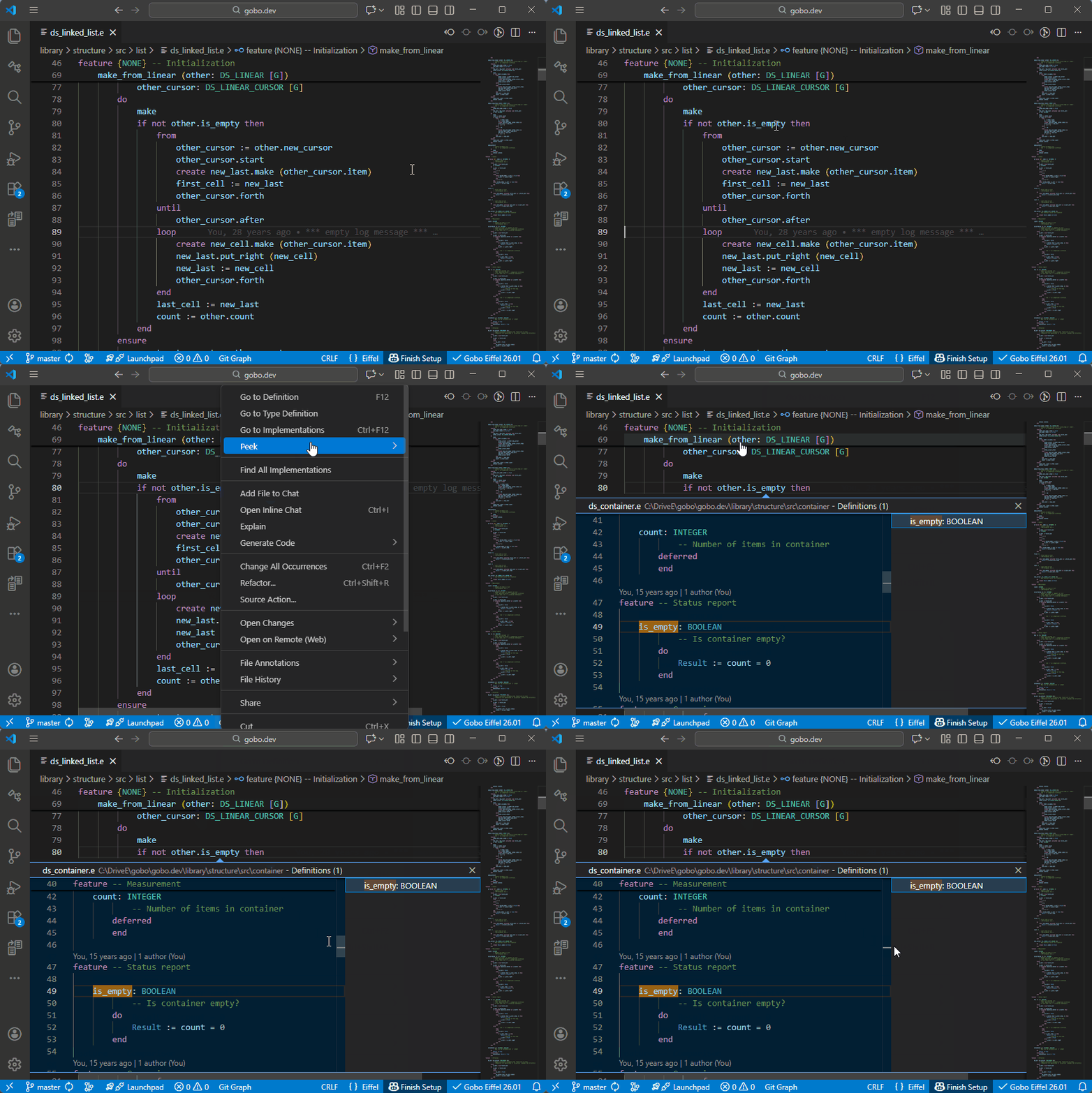
Go to Definition and Peek Definition work with all major Eiffel symbols, including:
Local variables
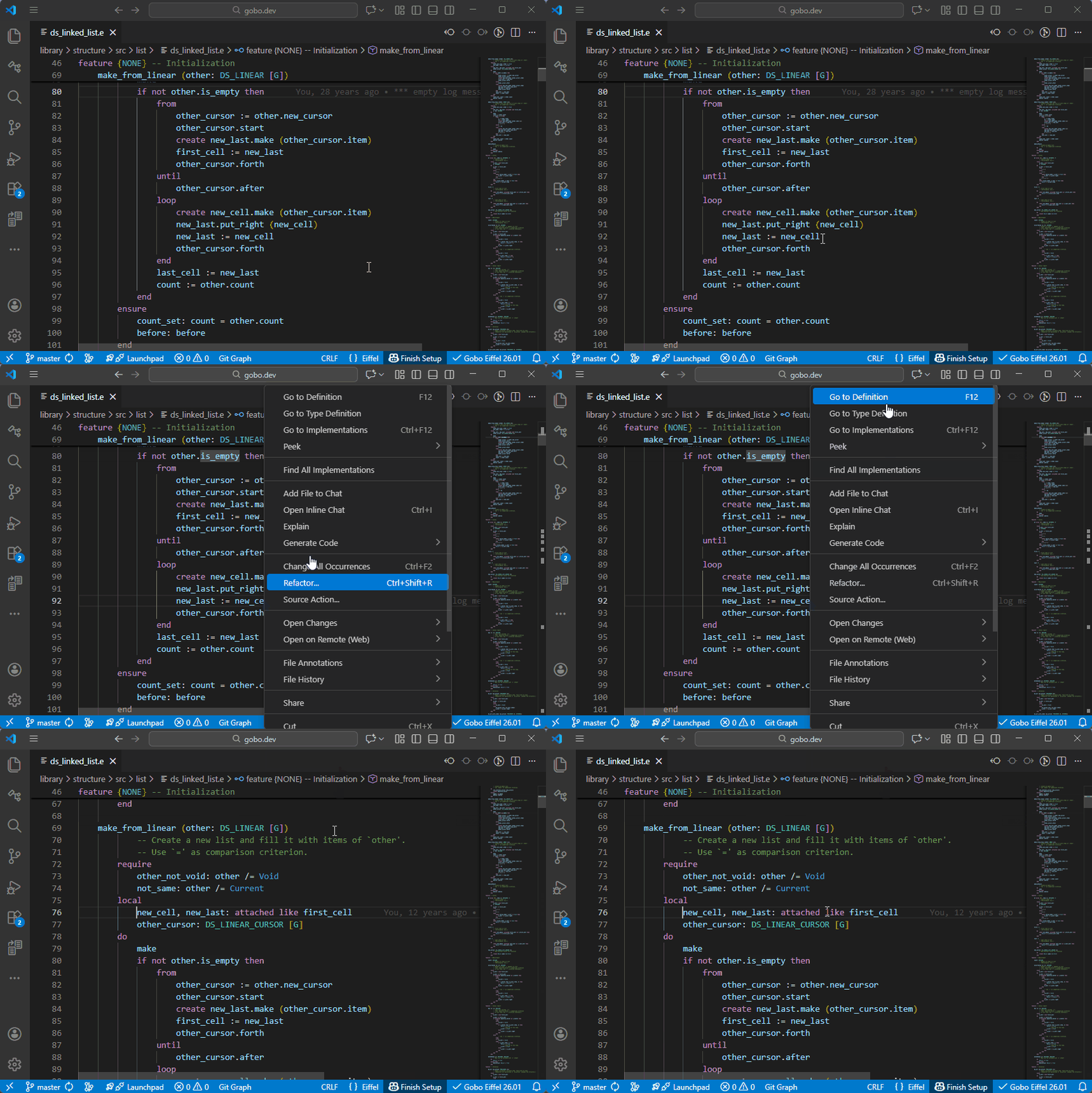
Arguments
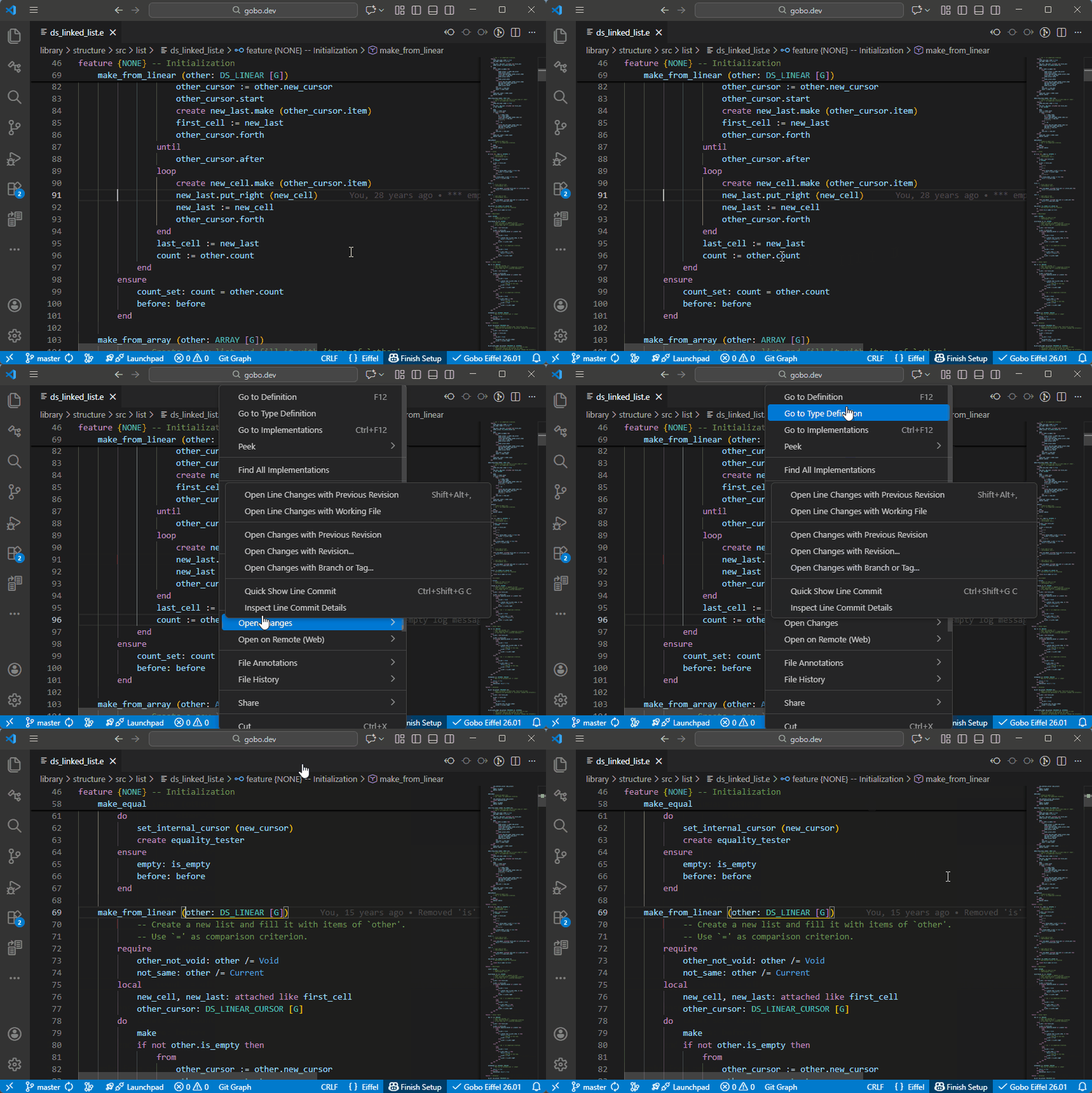
Object-test locals
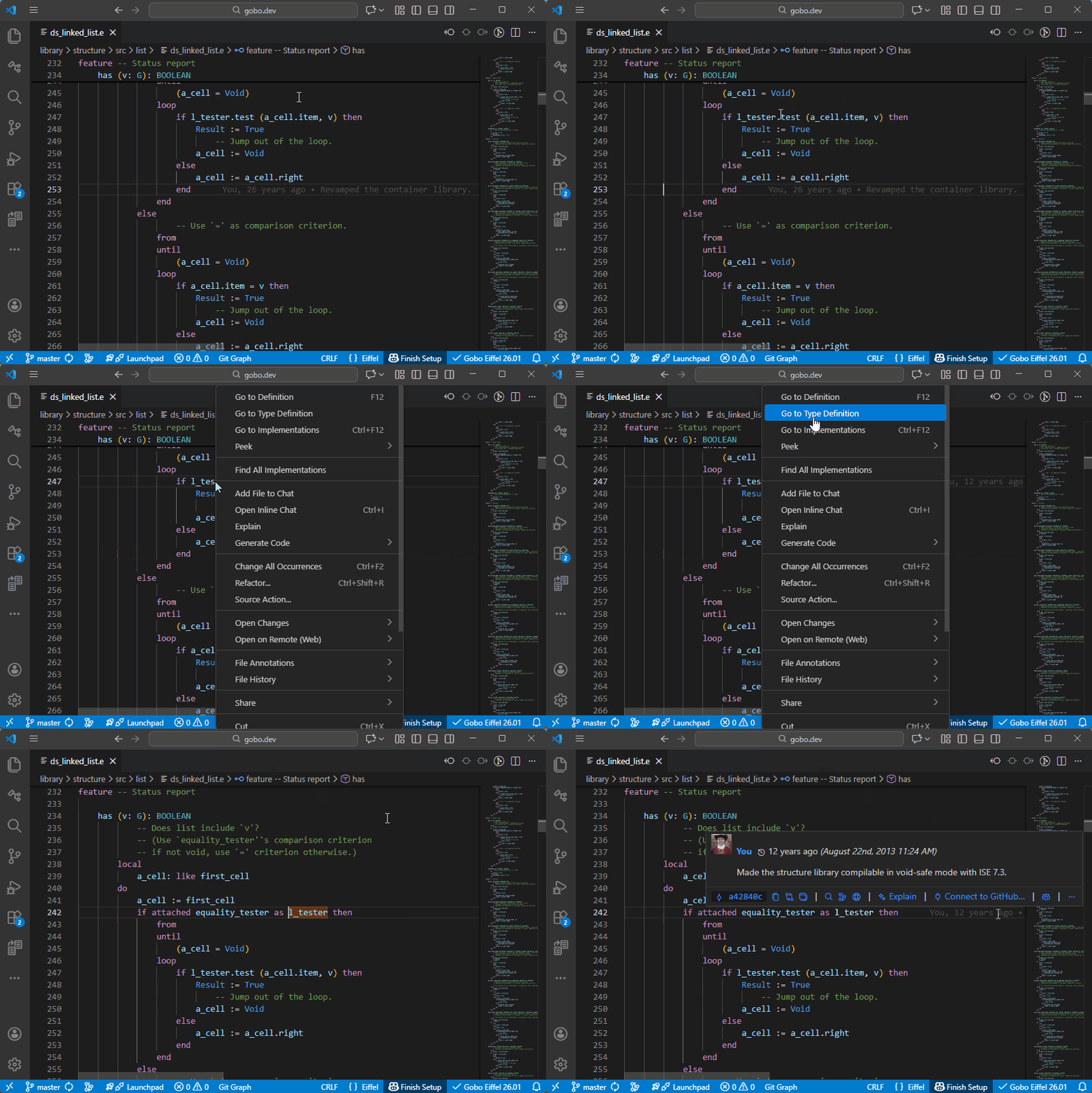
Iteration cursors
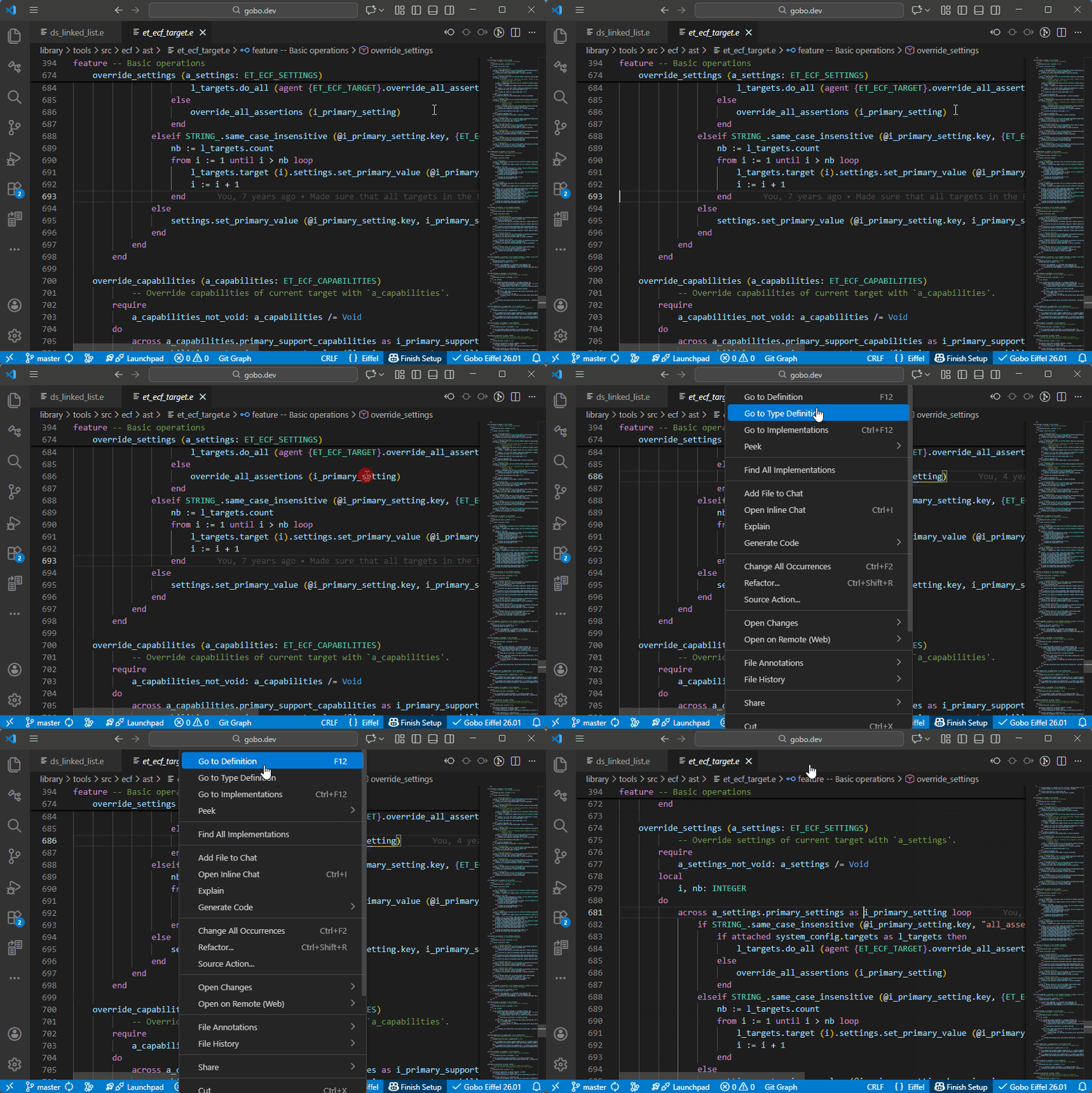
Inline separate arguments
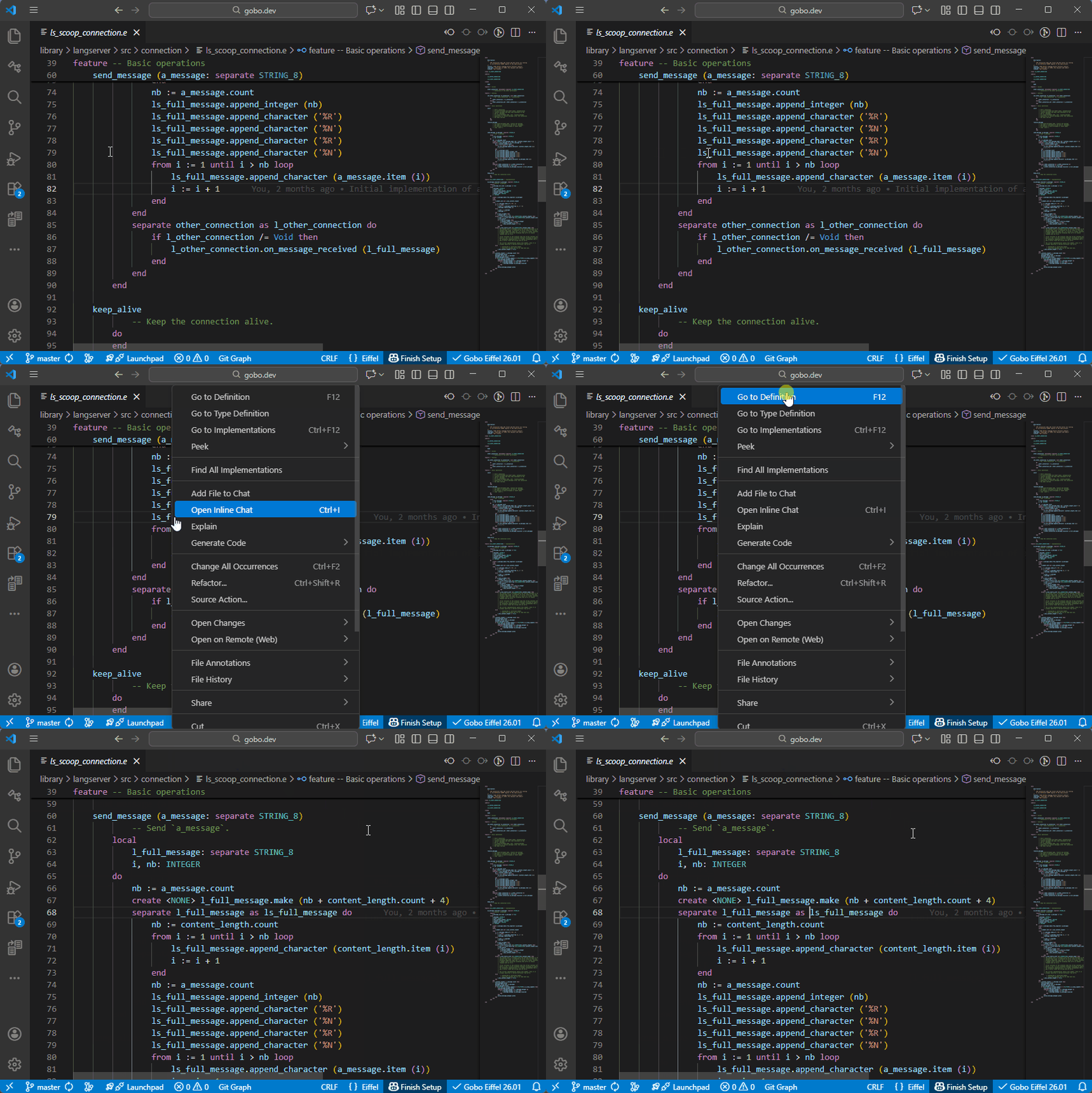
Tuple labels
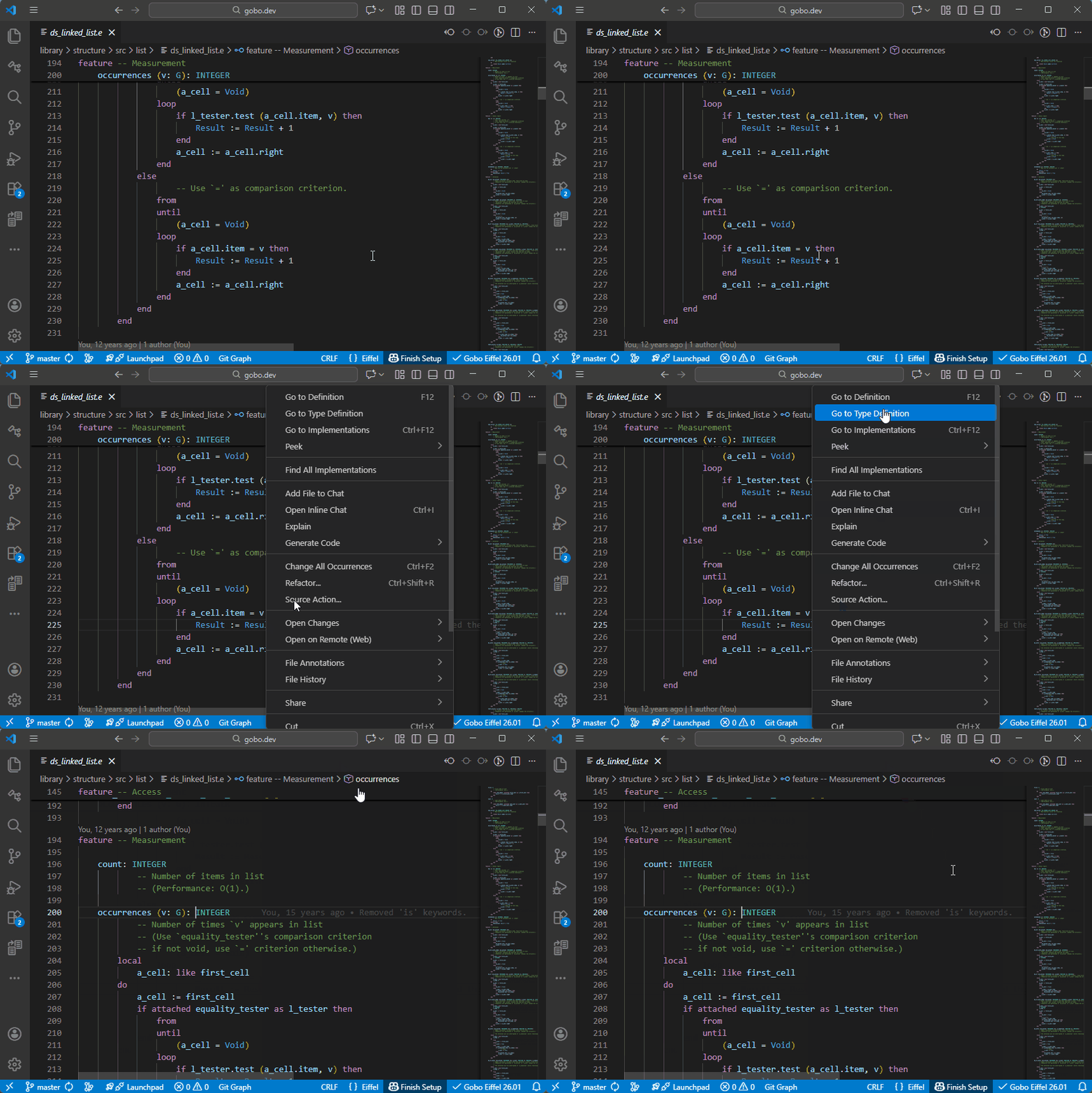
Result in a function
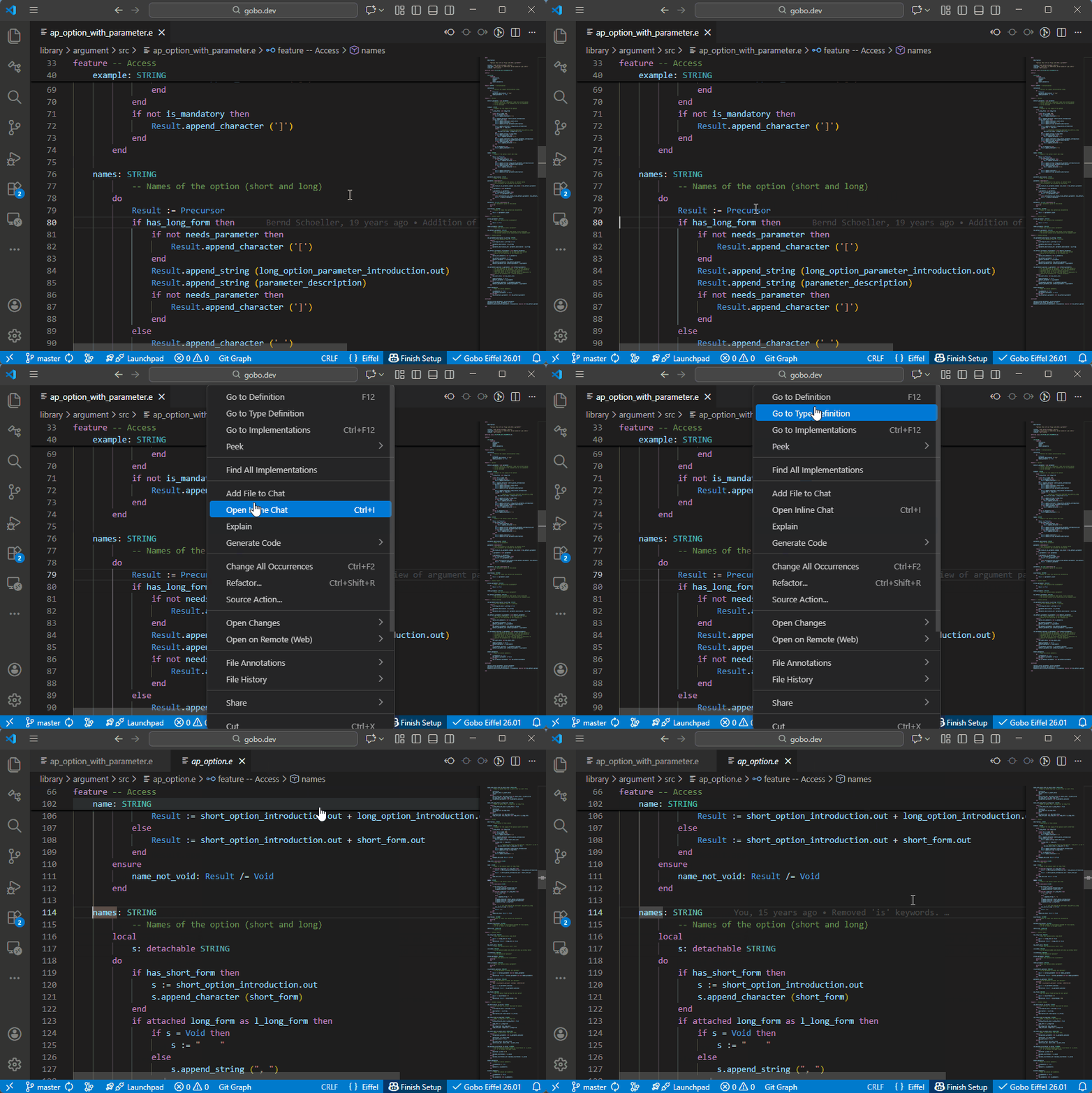
Precursor in a redefined routine
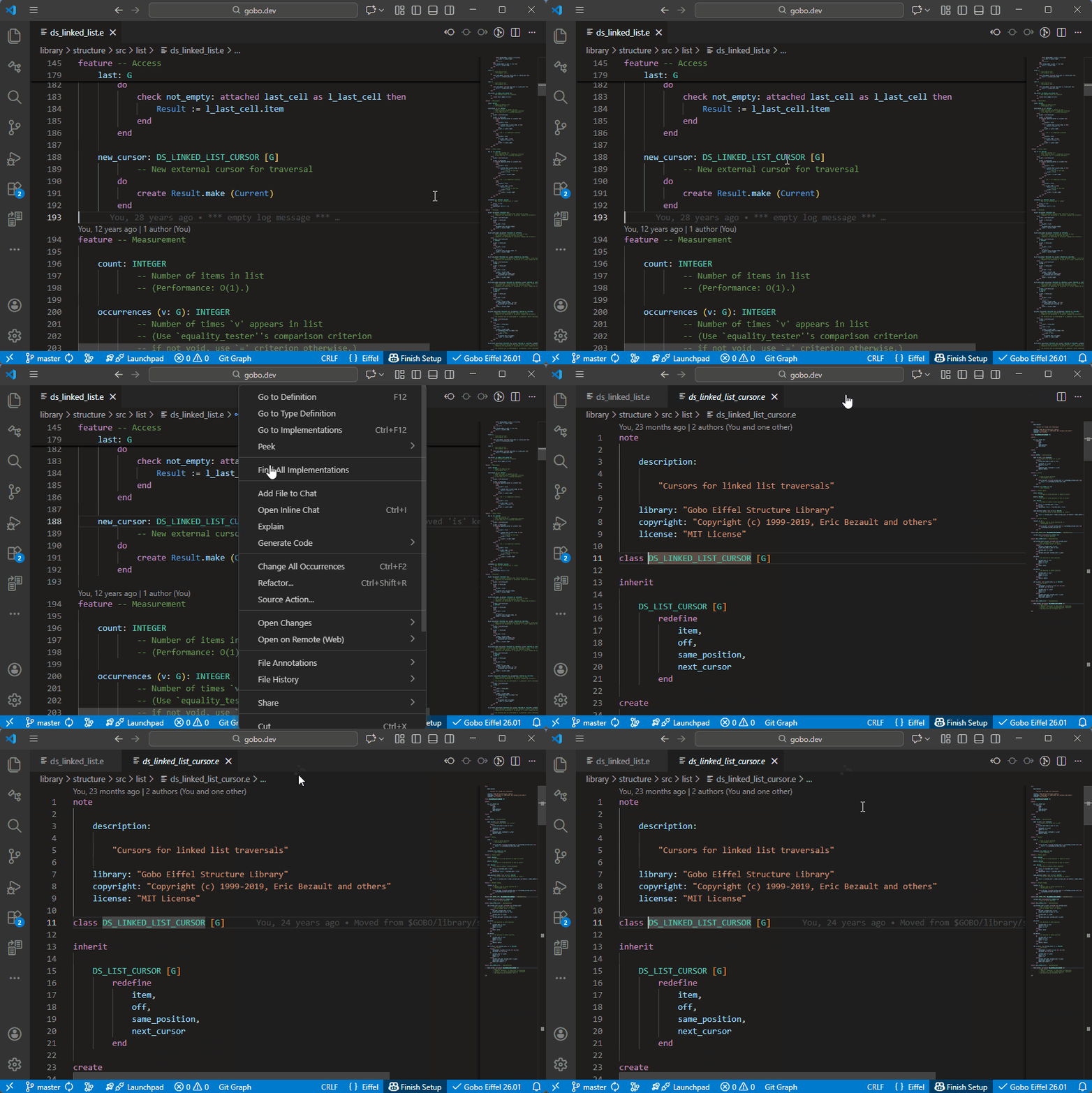
Classes
Formal generic parameters